
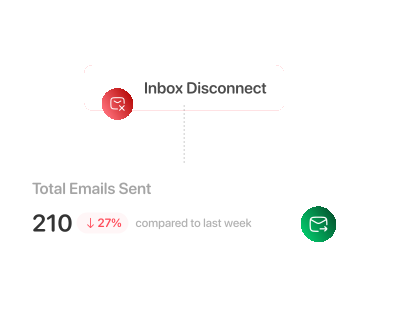
Disconnects Cut Your Sending Capacity
When inboxes get disconnected, your inbox sending capacity shrinks, so you reach fewer leads and get low conversions.
Sign Up To Claim Free Deliverability TrackerSign Up To Claim Free Deliverability Tracker + Order Google/Microsoft Inboxes
Peeker monitors inbox health and automatically swaps risky inboxes for healthy ones, so campaigns stay stable and sending never slows down.
Trusted by 500+
 Boardy
 ClientPush
 EverOutBound
 O
O Scale Your LeadsBoardyClientPushEverOutBoundOScale Your LeadsBoardyClientPushEverOutBoundOScale Your LeadsBoardyClientPushEverOutBoundOScale Your Leads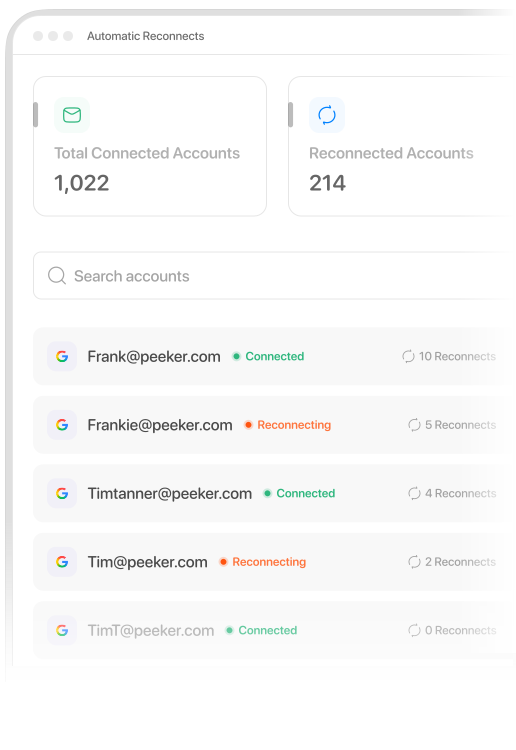
When inboxes get disconnected, your inbox sending capacity shrinks, so you reach fewer leads and get low conversions.
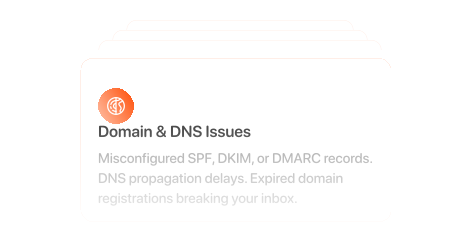
Domain/DNS issues, auth changes, provider (ESP) restrictions, OAuth expirations, many small triggers can break sending.
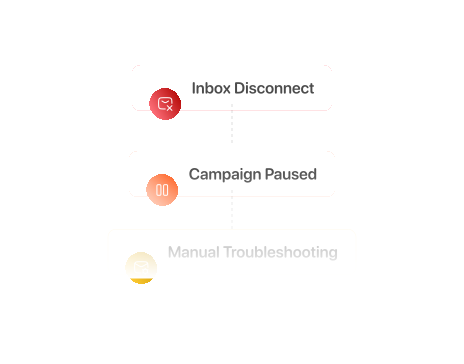
Having to manually troubleshoot, and start reconnecting is time-consuming work that interrupts campaigns and drains focus.
Most performance drops start with tiny issues. Peeker automatically fixes disconnects early so missed days don't become missed deals.
01
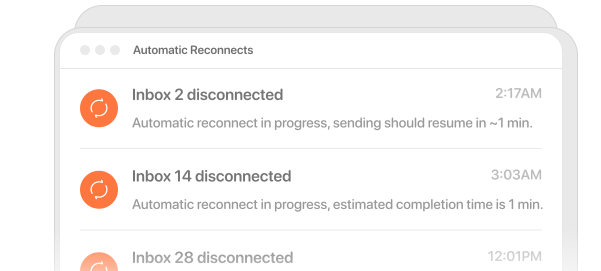
When an inbox gets disconnected, our automated systems handle the reconnect workflow and verification checks so inbox health stays stable as you scale volume.
02
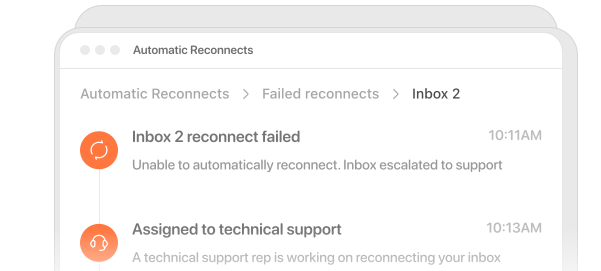
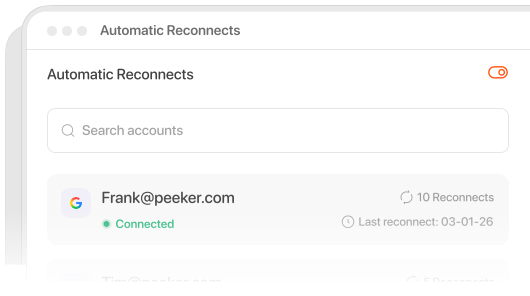
Disconnects get automatically handled, fast, and silently, without you lifting a finger. If an edge case can't be resolved by automation, our technical support team steps in to finish the job.
001
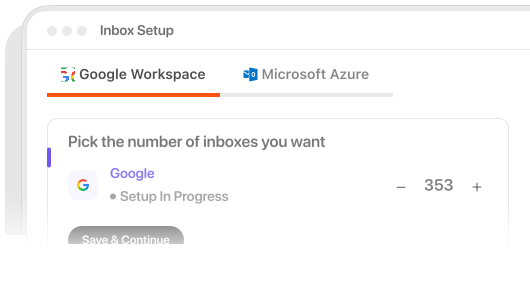
Choose an inbox type, select how many you need, and start setup. We’ll configure everything so your inboxes are ready to send.
002
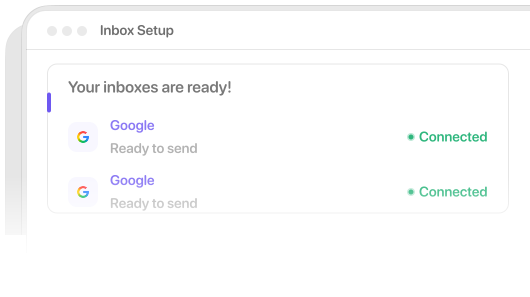
Your inboxes land in your Peeker dashboard, connected, with warm up settings, live, and ready to send.
003
Once set up, Peeker keeps things stable. When a disconnect happens, it detects it, attempts a reconnect, and logs the recovery, so you always know what happened.
Everything you need to know about Automatic Reconnects
Peeker gives cold emailers what others don't: fast setup, real tracking, and automatic reconnects for disconnected inboxes.

Explore AI Summary


