Automatically Replace
Burned Inboxes Before They Kill Campaigns
Peeker monitors inbox health and automatically swaps risky inboxes for healthy ones, so campaigns stay stable and sending never slows down.
Trusted by 500+
 Boardy
 ClientPush
 EverOutBound
 O
O Scale Your LeadsBoardyClientPushEverOutBoundOScale Your LeadsBoardyClientPushEverOutBoundOScale Your LeadsBoardyClientPushEverOutBoundOScale Your Leads
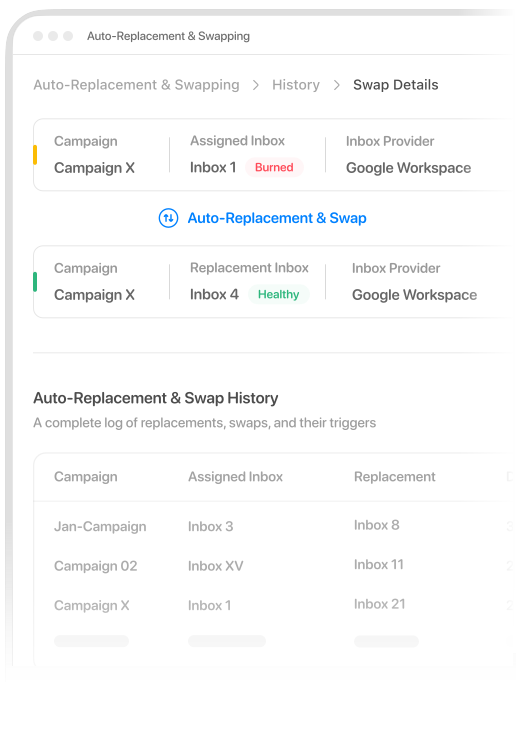
Burned Inboxes Quietly Kill Performance
Sending on Burned Inboxes
You send emails on burned inboxes without knowing it.
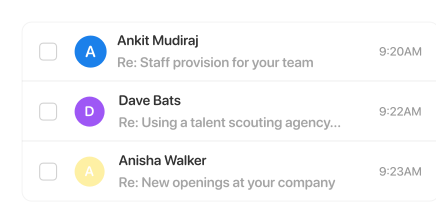
Inbox Burn = Landing In Spam
Once an inbox is burned, your emails will start landing in spam, and deliverability rate drops.
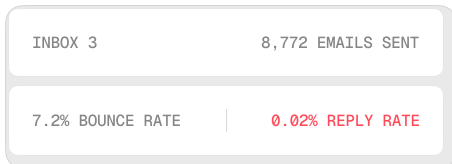
Spam Tanks Campaign Performance
Landing in spam turns your campaigns into wasted effort. Metrics sink and pipeline slows.
Stop Babysitting Inboxes
Stop Babysitting Inboxes
No more daily checks, manual swaps, or panic fixes. Inbox infrastructure runs in the background while your campaigns keep sending smoothly.

001
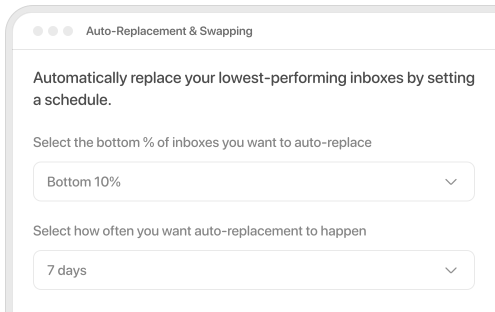
Auto-replace Low-Performing Inboxes
Automatically replace your lowest-performing inboxes on a set schedule (e.g., bottom 10% every 7 days). This keeps your sending pool fresh and steadily lifts overall placement without manual audits.
002
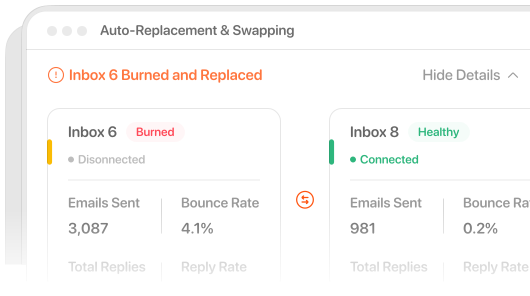
Replace Burned Inboxes Automatically
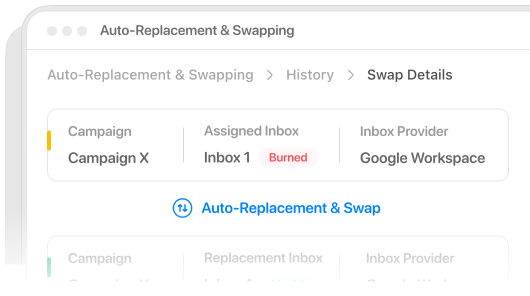
The moment an inbox is flagged as burned, it's immediately removed from active sending and swapped with a healthier alternative. This isolates risk fast and prevents it from affecting campaigns.
003
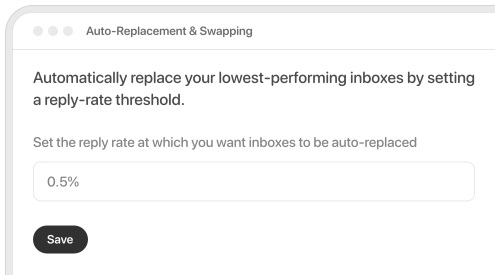
Replace Inboxes Based On Triggers
Automatically replace inboxes when key signals drop: reply rate, bounce rate, or warm-up score, so your campaigns keep sending from clean accounts without manual checks or panic swaps.
Setup Inboxes With Peeker And Start Enjoying Auto-Replacement & Swapping
001
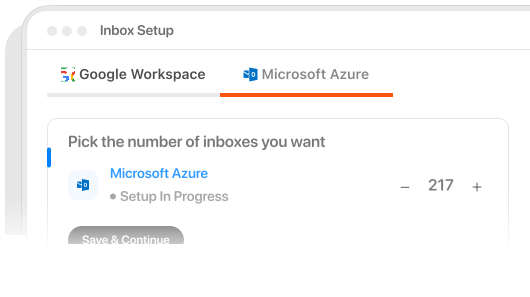
Inbox Setup
Choose an inbox type, select how many you need, and start setup. We'll configure everything so your inboxes are ready to send.
002
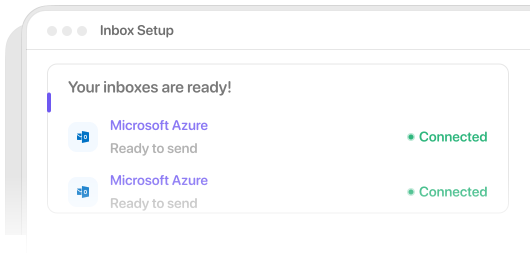
Delivered To Sequencer & Ready To Use
Your inboxes land in your Peeker dashboard, connected, with warm up settings, live, and ready to send.
003
Start Enjoying Self-Healing Inboxes
Once set up, Peeker monitors inbox health, detects burn signals, and replaces & swaps in healthy inboxes automatically so your campaigns stay stable.
Frequently Asked Questions
Everything you need to know about Auto-Replacement & Swapping
Why Cold Emailers Use Peeker
Peeker gives cold emailers what others don’t: fast setup, real tracking, and automatic swap of burned inboxes.